
Preview bar over fine detail
Footer strip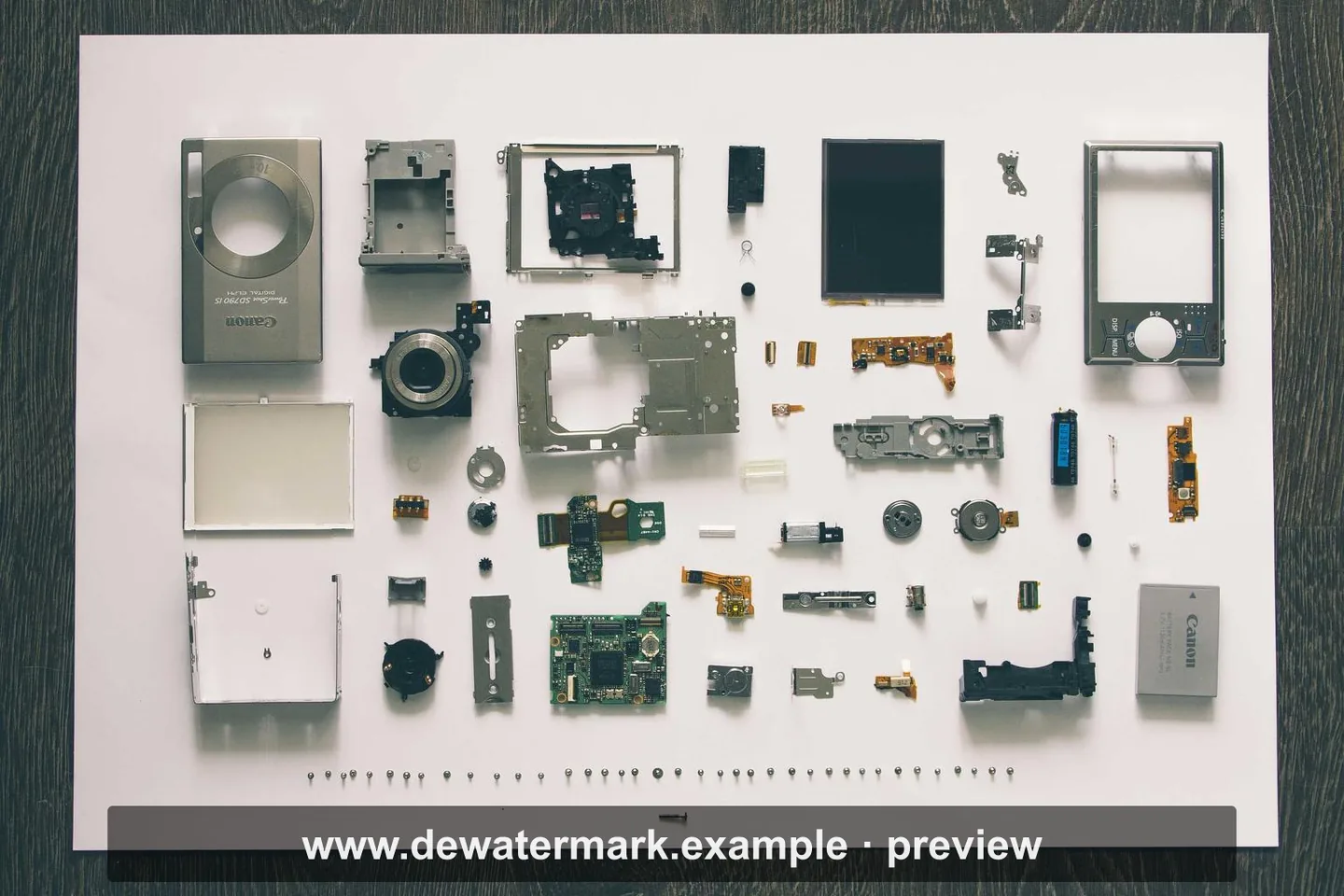

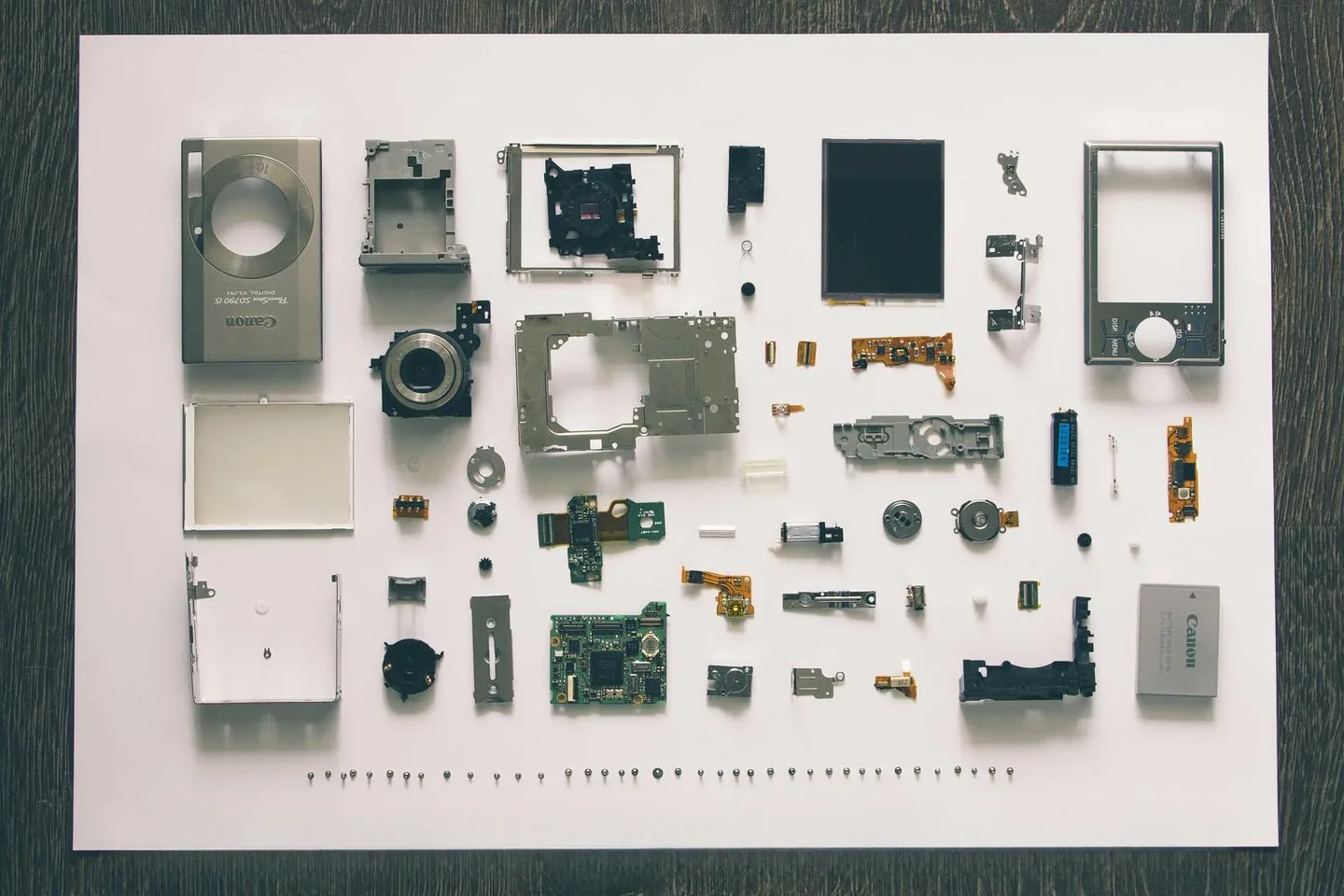
The bar covers a row of screws only a few pixels across. Everything outside it ships back untouched at your original resolution.
404 · frame missing
The link may be old, but your cleanup workflow is still here.
Automatic repair · manual control when it matters
Upload an image and DeWatermark finds the mark, repairs the selected pixels, and leaves the rest of the photograph alone. If an edge needs help, you stay in control.
Results
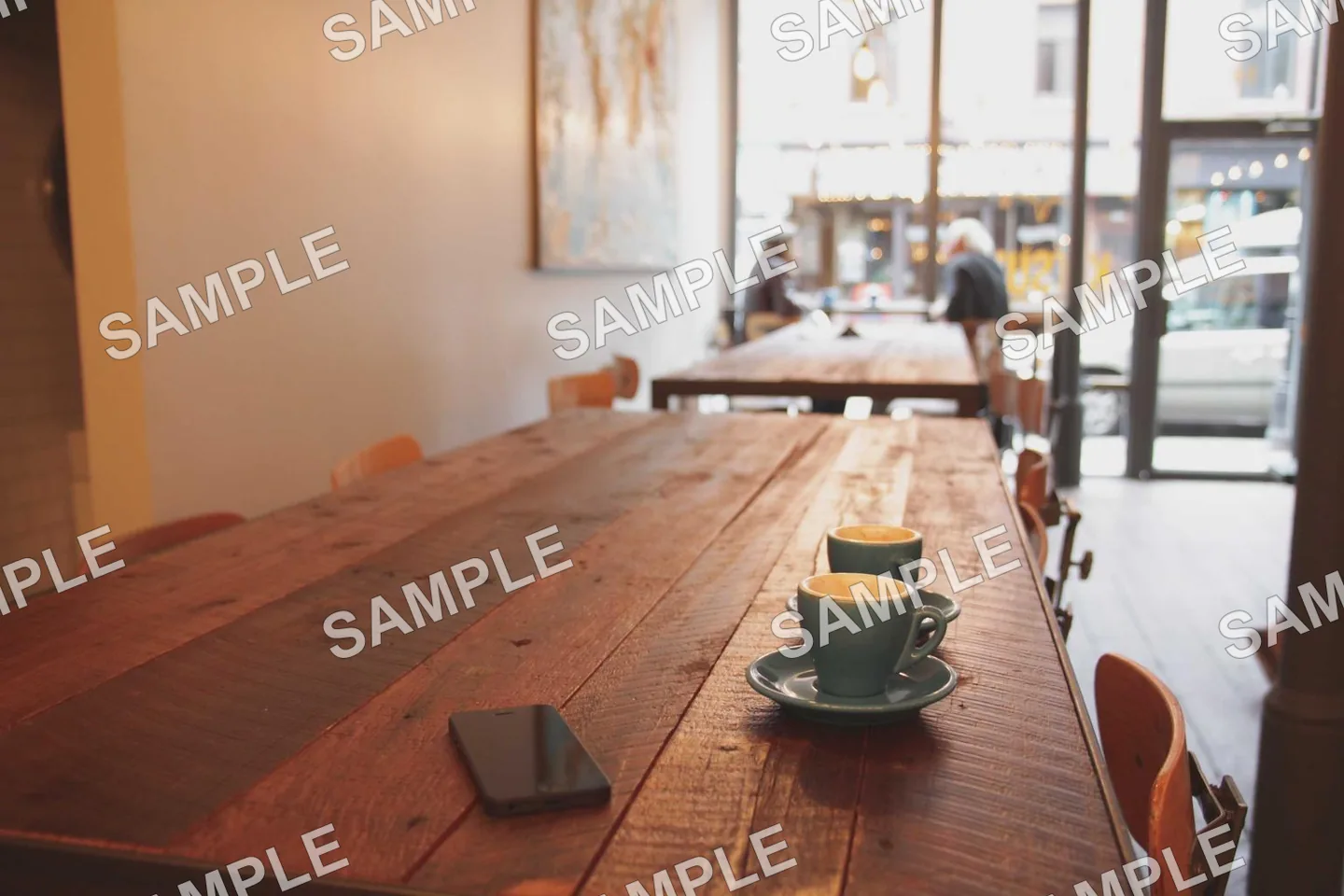
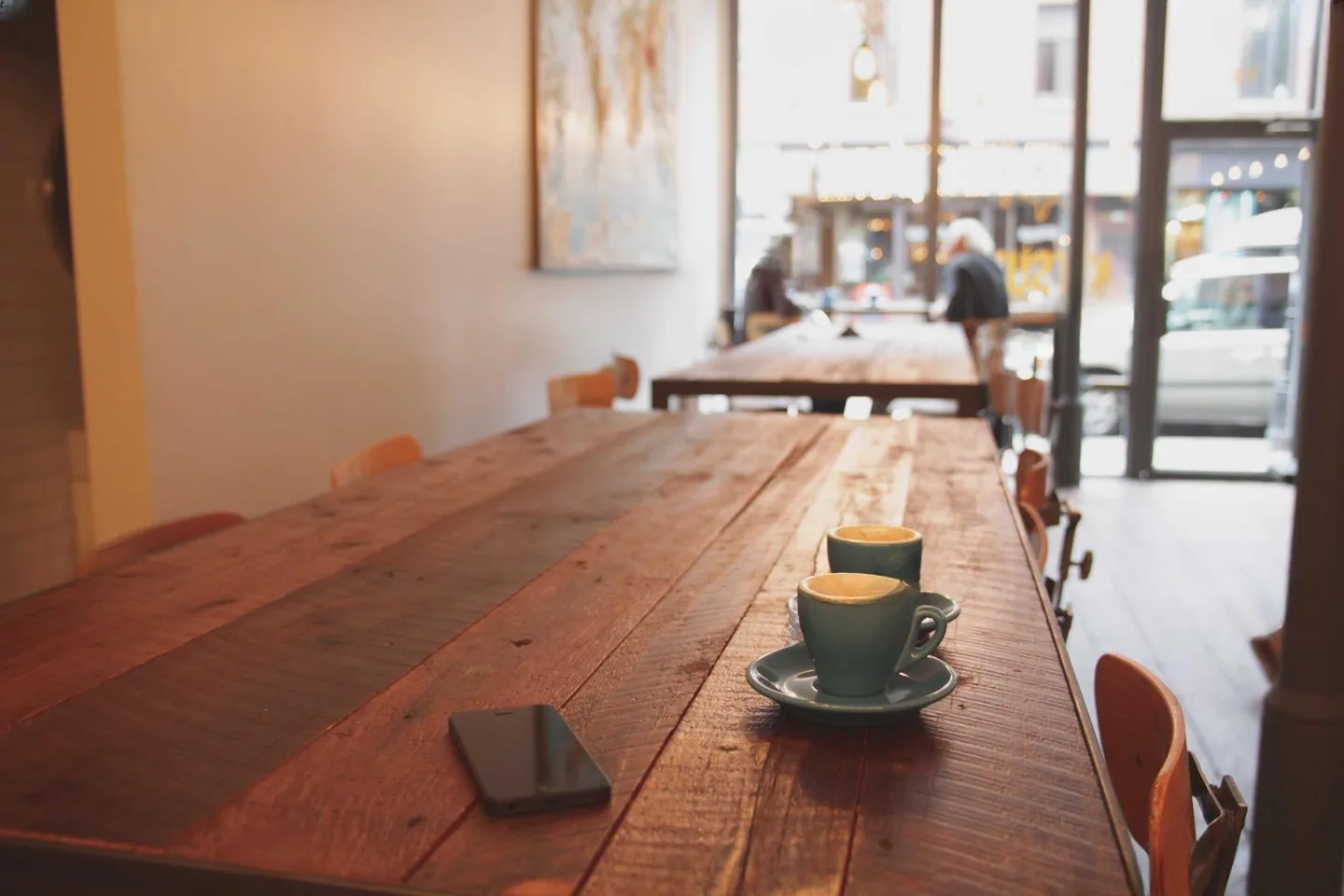
Drag any handle to compare. Turn the mask on to see exactly what the repair was allowed to change. These are production runs through the same pipeline a free cleanup uses.
The bar covers a row of screws only a few pixels across. Everything outside it ships back untouched at your original resolution.


A banner over hard product edges is where one-click tools smear. Correcting the selection first is what keeps the edges straight.


Whitewashed walls meet sky along hundreds of hard edges. The mask follows the letterforms, so the rooflines stay straight.
Every frame above is 1440 × 960. Watermarks applied by us to Unsplash photographs, then cleaned by the production inpainter. Photographs by Luke Chesser, Vadim Sherbakov and Margaret Barley on Unsplash.
Three things, done well
Auto Clean handles obvious overlays. Magic Wand, uploaded masks, and brush refinement take over when the edge needs a human eye.
Erase mode tightens the selection. Smart region keeps the rest of the photo untouched. Quality modes let you trade speed for harder repairs.
Recent results live in this browser. No public gallery, no shared feed, no surprise crawler — your cleanups don't end up on someone else's homepage.
How we compare
One-click tools guess at the selection and smear what was underneath. The three things below are what make the difference on a mark you actually care about.
The repair runs on a bounded tile, then composites back into your original file. Every pixel outside the mask ships untouched at full size, with no added watermark.
Auto-detect handles the obvious cases. When it's not obvious, the brush, Magic Wand, and uploaded-mask path let you correct the AI in seconds — instead of staring at a blurry result.
One credit covers one Balanced cleanup per processed megapixel, rounded up. Best Repair uses two credits per processed megapixel. No mystery export fee.
Common jobs
Clean captions, labels, screenshots, date stamps, and accidental text overlays — without smudging the photograph around them.
Open guide →Mask brand marks, sticker graphics, and template overlays with the wand or an uploaded mask, then refine the tricky edges by hand.
Open guide →For your own mockups, licensed assets, brand work, and the images you actually have permission to retouch.
Open remover page →Fix timestamp overlays, corner labels, small distractions, and other archive nuisances without opening a heavy desktop editor.
Open guide →Process repeat cleanup work with API keys and masks today, then join the Pro web batch queue as it opens.
Open batch workflowEnlarge cleaned photos with a paid, credit-based upscaler for sharper exports and product-ready images.
Open upscalerQuestions buyers ask
Three Balanced cleanups per UTC day. Signed in, they stay with your account. Signed out, a secure browser session keeps the allowance separate from other people on the same network. Free repairs are capped at 1.25MP: a larger image is repaired at that resolution and composited back into a download with your original pixel dimensions, so everything outside the mark stays sharp while the repaired area itself comes back softer. We add no output watermark.
Yes. The same mask-first workflow handles watermarks, logo marks, captions, labels, timestamps, stickers, and small overlays.
Yes. Queue images in the batch workspace, apply a reusable mask or corner preset, and download completed results together. Each repair uses your available allowance or credits.
Yes. Signed-in users can create backend API keys, call cleanup and detection endpoints, and spend account credits.